Create planning commission minutes in seconds, not hoursin seconds, not hours
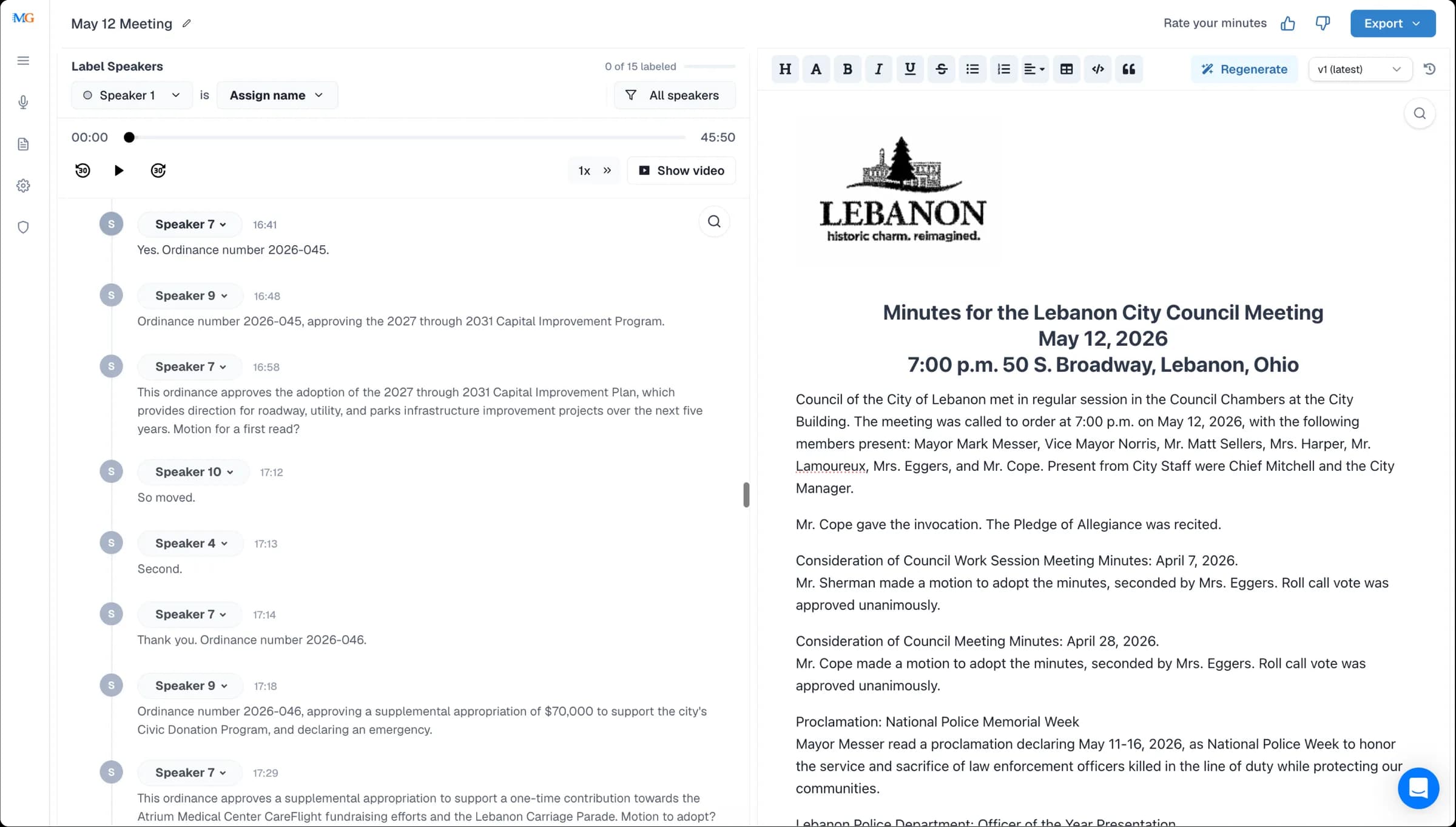
Upload the planning commission meeting recording and agenda. You get a transcript and minutes in your own format, with motions and votes, ready to edit in Word.
For planning and zoning secretaries, clerks and planning staff automate meeting minutes with us
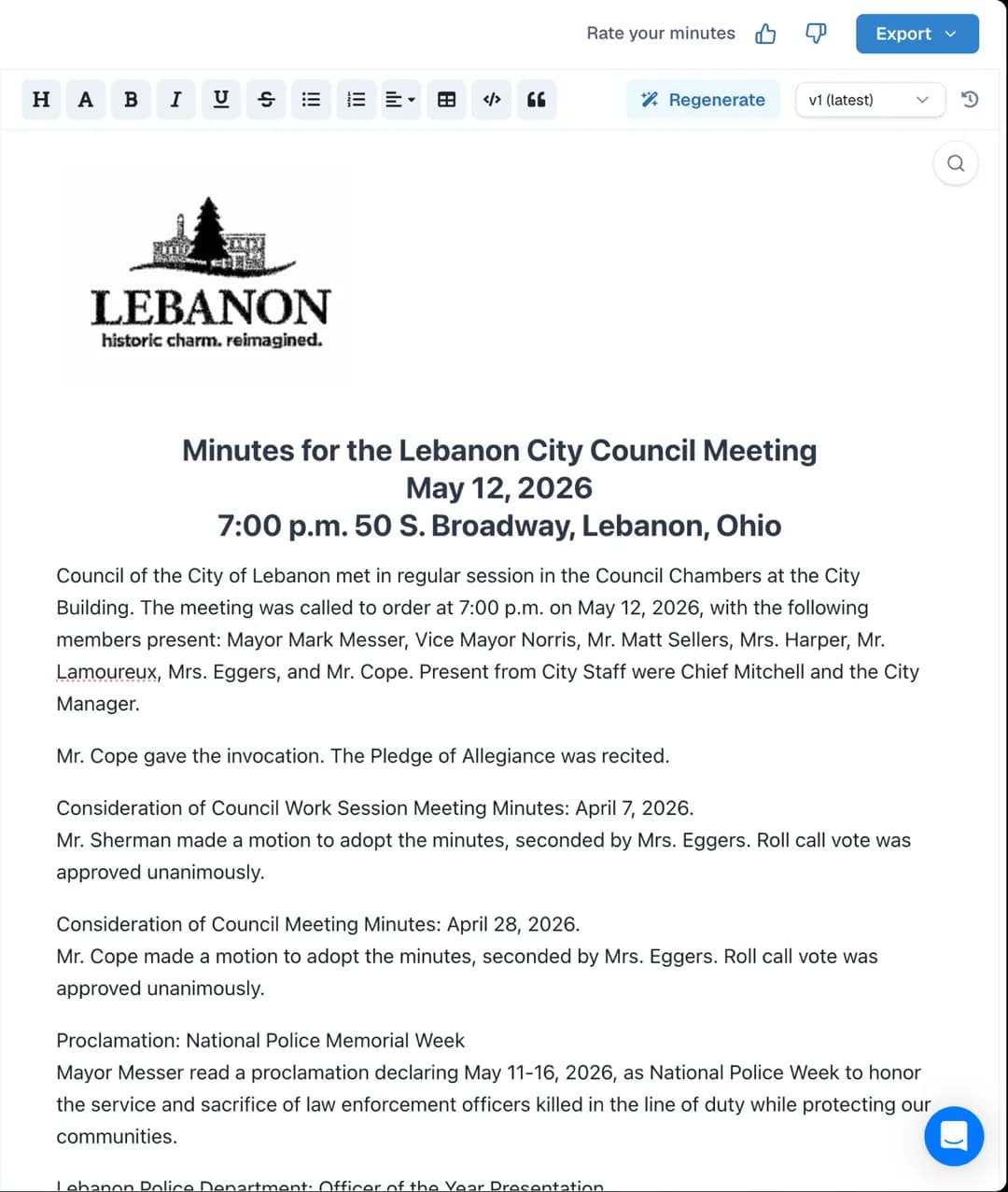
Create planning commission minutes in seconds, not hours
in seconds, not hours
Upload the planning commission meeting recording and agenda. You get a transcript and minutes in your own format, with motions and votes, ready to edit in Word.
For planning and zoning secretaries, clerks and planning staff automate meeting minutes with us
TRUSTED BY LOCAL GOVERNMENTS ACROSS THE U.S.
















Everything you need
Powerful features to make your meeting minutes process seamless
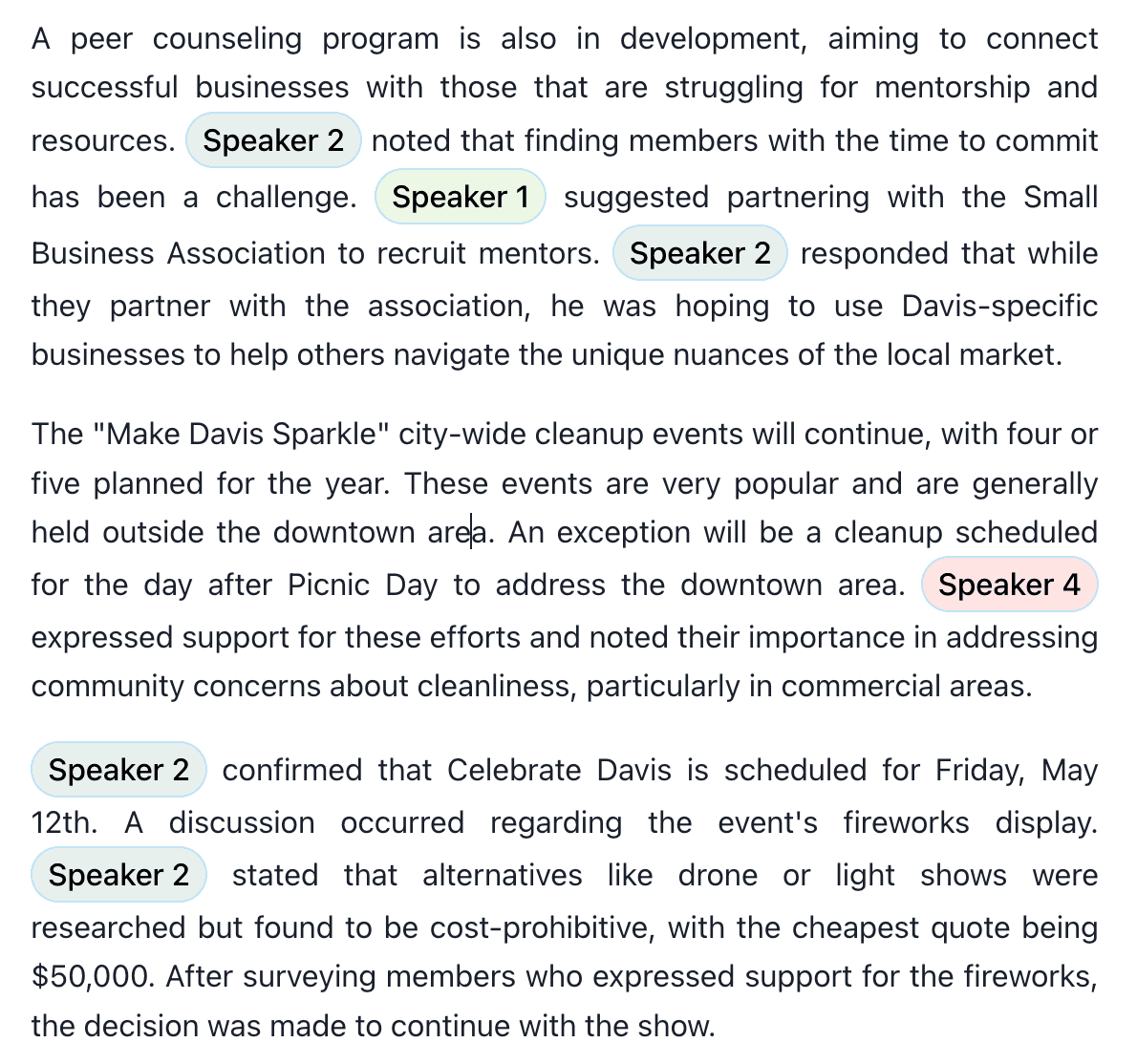
High Quality Meeting Minutes
Transform any recording, image, or document into professionally formatted minutes with AI precision that captures every detail.
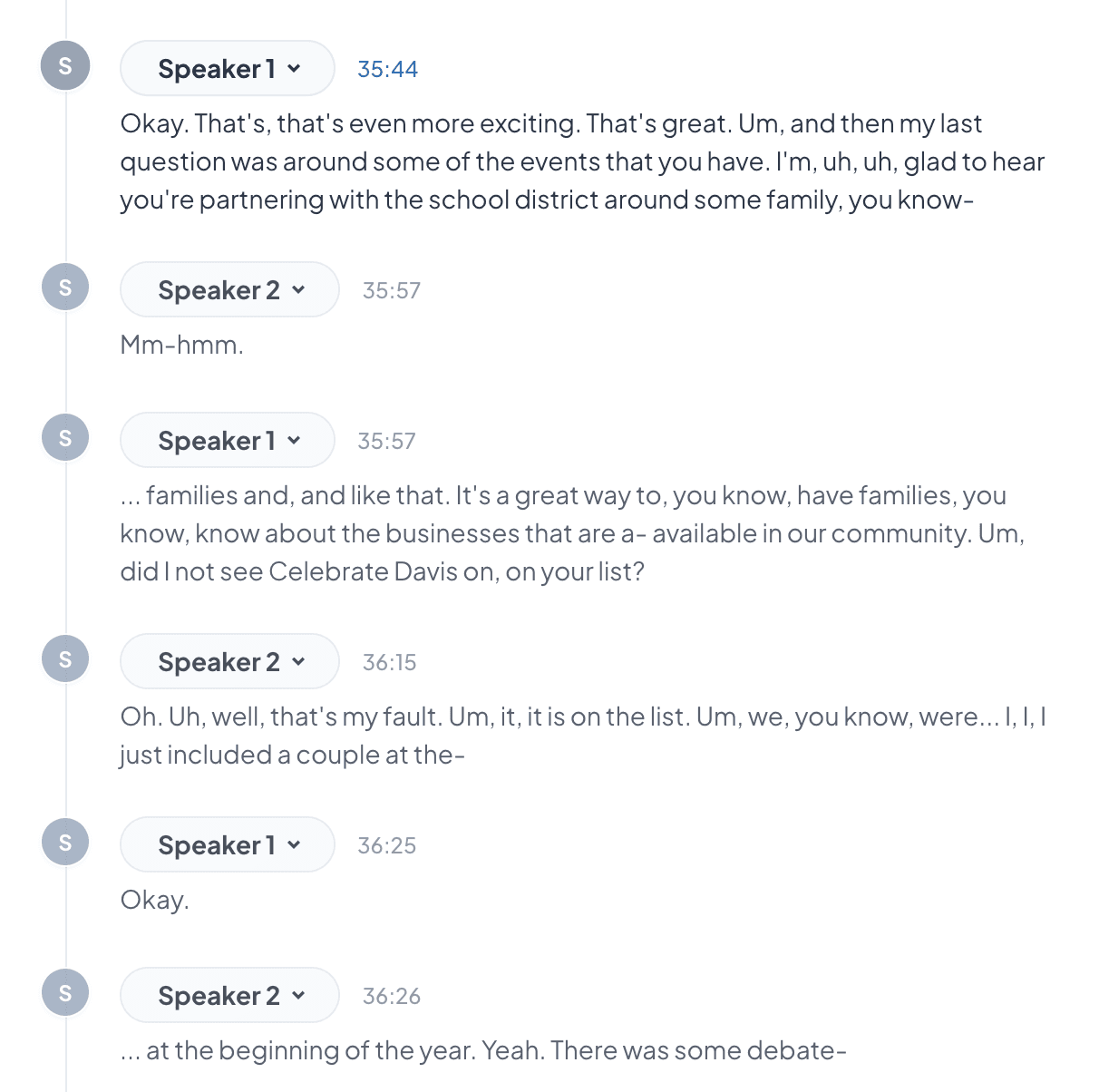
Accurate Transcript
State-of-the-art speech recognition delivers up to 99% accuracy for transcripts you can trust in legal, business, or academic settings.
Save Hours Every Week
Intelligent automation remembers speakers, updates formatting, and handles tedious work so you focus on what matters most.
Multiple Formats
Export to Word, PDF, Markdown, or plain text with customizable layouts matching your organization's standards in one click.
Meeting Templates
Start with professionally designed templates for any meeting type and customize them to fit your specific workflow needs.
Minutes on the Go
Edit, approve, and share meeting minutes anywhere with full mobile functionality through our progressive web application.
See How It Works
Watch how easy it is to generate professional meeting minutes in seconds
Loved by Professionals Worldwide
See what our users are saying about their experience
“It's great. I wish we would have discovered this years ago!”
Joan
City Clerk, City of Rittman
“I love it. I normally take 5 days to do minutes but with this it was done in just below an hour! It's so professional, doesn't leave out important details and saves me so much time.”
Lucy M.
MinutesGenerator customer
“I like it! I can easily take these bullets from the summary and have Chat GPT turn them into more of a narrative. Transcript is good too!”
Lisa T.
Business Manager
“This company is so efficient and reliable, their minutes are so accurate, they are really saving me so much time to focus on other tasks.”
Tumi
ZA • Sep 26, 2025
“Does a good job of listening and sorting out our chaotic meetings and generating useful and coherent representations of those meetings.”
Don
US • Sep 17, 2025
“The service is top notch, and they go above and beyond to ensure that your query is resolved immediately.”
QueenE Mbatha
ZA • Sep 2, 2025
“I am honest 100% happy with the assistant received, the patience. I am definitely upgrading for my future meetings. The minutes were done as needed and accurate as supposed to be.”
TSei
ZA • Aug 28, 2025
“Wow... This is Great. Usually we spend hours trying to get proper minutes and action items for meetings. It generated this in mere minutes and the accuracy is astounding. Quick, Easy to use & Accurate.”
Dale Ross
ZA • Aug 28, 2025
“I would like to extend my heartfelt gratitude to the company for transcribing my minutes. The service and tolerance that Mr Cliff provided to me was fantastic!”
skhombiso shabalala
ZA • Aug 22, 2025
“Because I managed to write the minutes within five minutes, and it has impressed my supervisor.”
Melvin Kesiile
ZA • Aug 13, 2025
“This is an excellent tool should you be tasked with producing meeting minutes. It will save you a ton of work, freeing you up to do more agreeable tasks or even recreation!”
Mark Halliday
AU • Jul 31, 2025
“Online support is sometimes helpful and WhatsApp is very helpful.”
David Tshamaano Muhadi
ZA • Jul 29, 2025
“It's user-friendly and easy to use. In a few minutes, you get your minutes generated and can translate them into any language.”
Clifford Mokoena
ZA • Jul 29, 2025
“Simple, Fast, and Accurate!”
Jayda Thomas
US • Jul 10, 2025
“Mind is literally blown. I'm stoked to save a lot of time during in-person meetings, using this app.”
Dan B
US • Mar 27, 2025
A Personal Note from Our CEO
November 26, 2026
Dear Professional,
I want you to stop writing meeting minutes.
You spend hours every month listening back to meeting recordings. You painstakingly assemble a document from countless topics and agendas. Be detailed, but not too detailed.
It takes away your time. It is boring. It is difficult.
You have better tasks to do. And so I am advocating for you to stop writing meeting minutes.
Instead, I would like you to try something new.
MinutesGenerator can write your minutes faster than you can. A lot faster. It is more detailed, and extremely easy to use. I want you to try our service, because it will make your life better.
Your boss will compliment the quality of your work. This can help you get a raise, or get promoted. I want these outcomes for you.
More importantly, your life will get a big upgrade. You will eliminate the task you hate the most. It will become fast, easy, and automated.
Book a demo and see it work on one of your own meetings. It will change your life.
Sincerely,
Max Sherman
CEO, MinutesGenerator
Ready to transform your meeting minutes process?
Frequently Asked Questions
Have questions? We're here to help.
Upload the meeting recording, or a transcript, and the agenda. MinutesGenerator transcribes the meeting, labels who spoke, follows the agenda item by item, and drafts the minutes in your format: attendance, discussion, motions with who moved and seconded them, and how each member voted when the vote is spoken. You review and edit the draft, then download it as a Word document.
Yes. With the agenda uploaded, the minutes follow each application in order with its case number, address, applicant, the staff recommendation, testimony, the motion with any conditions, and the vote.
Add the names and special terms your meetings use, such as streets, subdivisions, applicants and members, and the transcription uses them.
Yes. Long meetings are handled like short ones, and you can split or combine recordings if a hearing was recorded in parts.
Yes. Upload one to ten of your past minutes and MinutesGenerator builds a template from them: your headings, layout, level of detail and wording. You can add drafting rules, such as "summarize public comment in one sentence per speaker", and a list of attendees with their titles.
Audio and video (MP3, M4A, WAV, MP4, MOV and WebM), existing transcripts (Word, text, and VTT or SRT captions), and photos of handwritten notes. Agendas can be PDF, Word, text or an image. If your meeting is on YouTube or your video system, download the recording and upload the file.
Clear recordings give accurate transcripts, and the agenda keeps the minutes in order. Accuracy improves when you add the names and special terms your meetings use, such as members, streets and project names. Treat the minutes as a draft for the clerk to review before approval.
It depends on the length of the recording. You can leave the page while it works, and MinutesGenerator emails you when the transcript and minutes are ready.
Yes. Edit the text directly, rewrite a highlighted passage with AI, search and replace names, or regenerate the whole draft with feedback such as "shorter" or "more detail on public comment". Earlier versions are kept, so you can switch back.
MinutesGenerator transcribes many languages without you choosing one first, and it can write the minutes in a different language from the meeting.
Local governments usually buy an annual plan that covers their council, boards and commissions, priced by how often they meet. Individuals can buy a monthly plan with credits. See the pricing page, or book a demo for a quote.
Recordings, transcripts and minutes are encrypted in transit and at rest, and only you and the teammates you share a meeting with can open them. Payments go through Stripe, so we never see your card number.
We are located in New York City, USA.
Ready to Transform Your Meeting Minutes?
Join thousands of professionals who save hours every week with AI-powered meeting minutes